Essential · Foundation
See CRM, basic review monitoring, 3-keyword SEO tracking and standard social publishing.
Follow the marketing journey from a new inquiry to follow-up, reputation management and performance reporting. These are illustrative platform workflows; features vary by package. Screenshots may show historical or sample information.
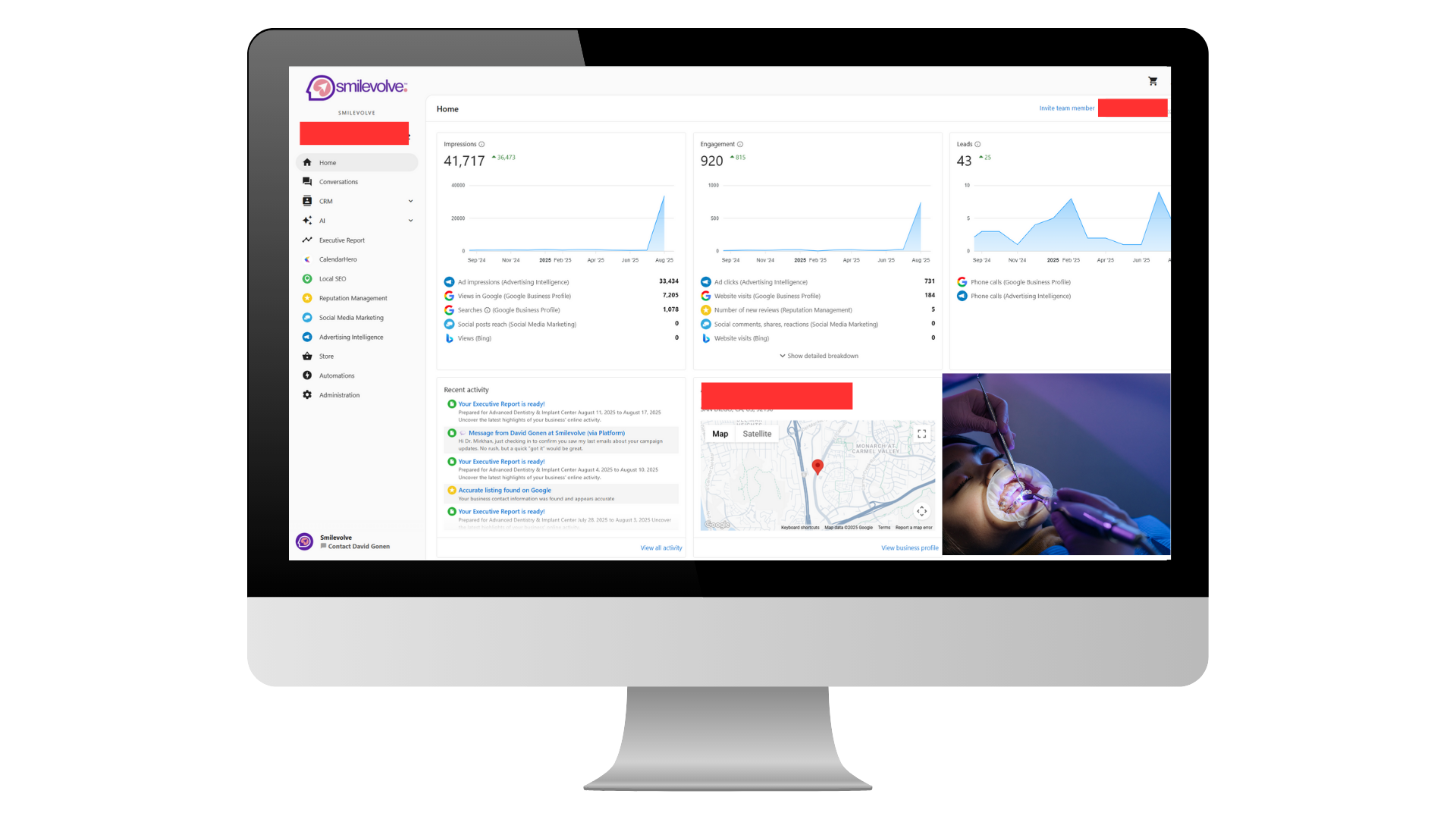
Start with the dashboard to review lead activity, engagement and visibility trends. A dashboard metric does not by itself confirm a booked appointment or accepted case.
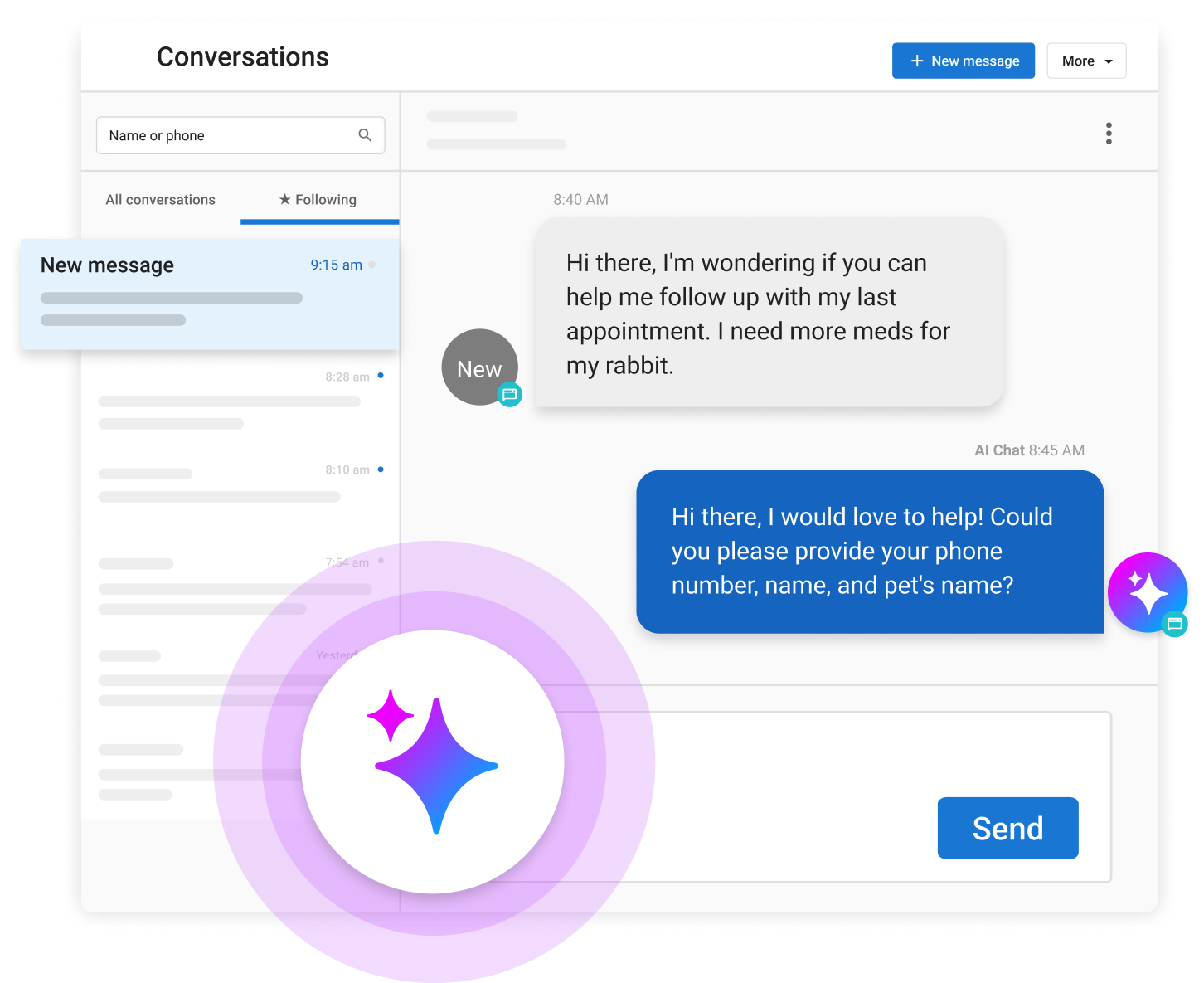
Review conversations, route prospective patient inquiries and coordinate appropriate follow-up. Actual automation and AI capabilities depend on the subscribed package and configuration.
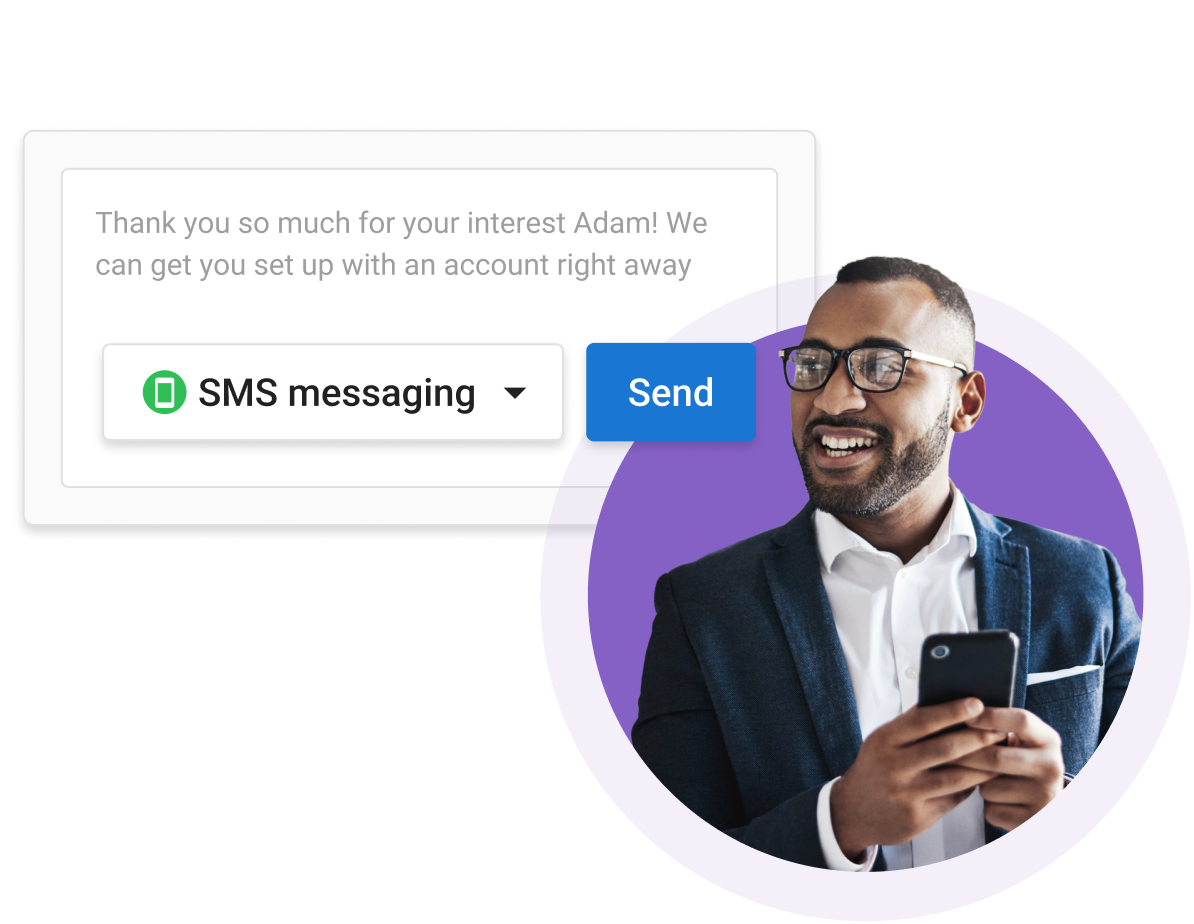
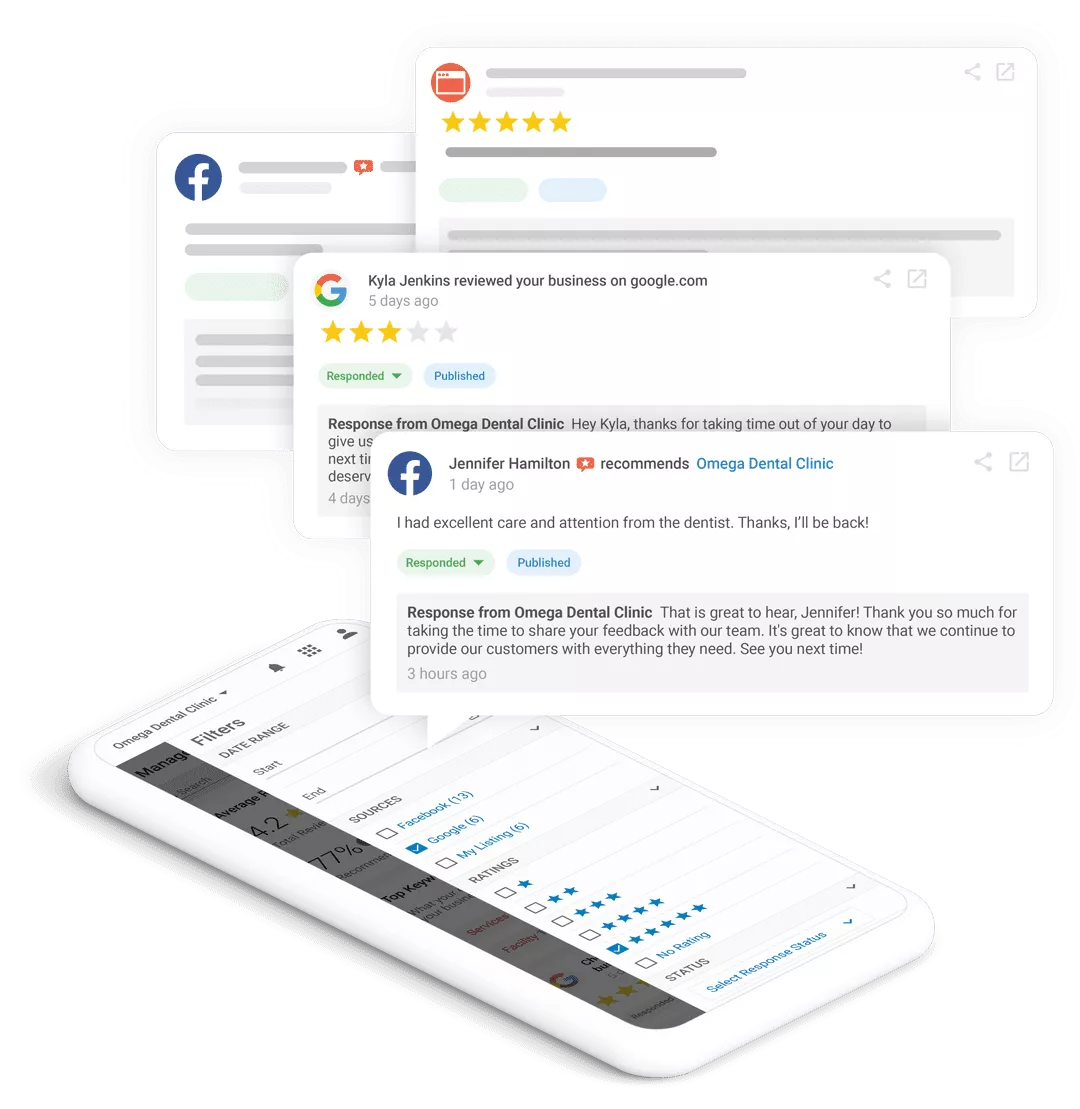
Use review monitoring and response tools to support reputation management. Responses should follow practice policies and avoid disclosing patient information.
A guided, approximately 10-minute look at the platform. Watch on demand to explore the interface before requesting a personalized consultation.
This is the complete walkthrough video supplied by Smilevolve, approximately 10 minutes long. Captions and a verified transcript are not yet available.
Video playback and available capabilities should be verified on the final production setup. Product features vary by plan.
Follow the example journey from an incoming marketing inquiry to staff follow-up, reputation activity and performance reporting. Look for how information is organized and which tasks require a person to review or complete them.
The video illustrates workflows rather than promising identical features for every account. Package availability, connected channels and setup requirements should be confirmed during a personalized demonstration. A verified caption file and transcript are not yet available.
See CRM, basic review monitoring, 3-keyword SEO tracking and standard social publishing.
Explore Pro reputation, 15-keyword local SEO, AI-assisted social content, listings and email automation.
Explore Premium reputation, AI search visibility, autonomous social workflows and the AI voice receptionist.
Existing walkthroughs and imagery illustrate selected platform capabilities. Ask for a guided demonstration of the current software edition and eligible integrations before subscribing.
REQUEST A LIVE DEMO